
How to Search Civil Dockets
The North Carolina eCourts Portal is where a Chowan civil docket search starts. Smart Search takes a Record Number or a name. From there, filter by location, case type, status, and date. Pick Chowan County first, or a result may not be local at all. Civil categories on the Portal include Civil Actions, nonconfidential Special Proceedings, Estates, and others. Each match opens as a Case Summary, sometimes called a Register of Actions.
An exact Chowan case number is the best tool when you have one. Without it, run the name search. Then check what comes back against the Chowan case information available. Per the Judicial Branch Portal training material, a public result may include selected fields. These cover case, assignment, party, cause-of-action, event, disposition, hearing, and financial fields where they apply.
- Open Portal Smart Search and enter the known record number, or the minimum name information needed.
- Select Chowan County and add a civil category, status, or date filter only when it is known.
- Open the matching Case Summary rather than relying on the result row alone.
- Review public case events, hearing information, and dispositions in context.
- Contact the clerk for a filed document, certification, or a record-access question.
Chowan Civil Docket Smart Search
Smart Search covers the whole state, so the Chowan County setting does the local filtering for you. Record Number is usually the tightest path. Working from a name alone? Use it with care. Layering on shaky filters can screen out the very Chowan docket entry you want, a trap the Portal guide itself warns about. Ordinary public search needs no account, though registering unlocks My Cases, and elevated access is granted separately.
| Field | Use for a Chowan civil docket |
|---|---|
| Record Number or Name | Use the exact Chowan number when available, or a careful name entry. |
| Location | Select Chowan County for a county-focused result. |
| Case category | Choose Civil Actions, nonconfidential Special Proceedings, Estates, or another known category. |
| Status and date | Narrow the search only with information already known. |
Treat a Chowan Portal result as an index to public case material. It promises nothing about opening or copying every attachment, field, or filing.
Chowan Civil Docket Categories
Civil Actions, Estates, and nonconfidential Special Proceedings are separate Chowan Portal categories. They are not one generic pool. Each carries its own legal rules, clerk functions, and public-access limits. Picking the right category helps you find the file. It decides nothing about the merits, and it guarantees no document availability.
- Civil action
- An ordinary civil case category searchable through the available Portal tools.
- Estate
- A clerk-managed category with its own local division route.
- Special proceeding
- A statutory clerk-supervised matter distinct from an ordinary civil action.
- Case Summary
- The Portal’s public docket-style overview, also called a Register of Actions.
- Hearing
- A scheduled court event that may be changed or continued.
What a Civil Docket Shows
A Chowan civil Case Summary is a public register of case activity. It is not the full electronic case file. Which fields appear depends on the matter and the access rules in play. For locating a case or a hearing date, the search result is often enough. Need a filed record or a certified copy? Want word on whether a specific item may be inspected? Go to the clerk.
| Case information | Public Chowan details used to identify the civil matter. |
|---|---|
| Assignment | Public assignment information where available. |
| Parties | Parties shown in the publicly available case information. |
| Causes of action | Information displayed for a civil, family, probate, or mental-health context where applicable. |
| Events and dispositions | Public Chowan entries that show activity and recorded outcomes. |
| Hearings and financial data | Information available for the matter, without a promise every case contains each field. |
A Case Summary is not an authenticated judgment. Certified copies come only from the clerk who keeps the Chowan court file and docket.
Chowan Civil Docket Court Levels
Money sets the first split. Under G.S. 7A-243, the general dividing line for civil jurisdiction is $25,000. Chowan County District Court hears civil actions at or below that amount, plus family matters. Anything above it belongs to Superior Court. The statute carves out exceptions, though. Subject-matter rules can shift the right forum too, so the dollar figure alone won't settle where a particular Chowan civil docket lands.
Want the official text behind this split? The Legislature’s jurisdiction source spells out the full framework. It governs both court levels.
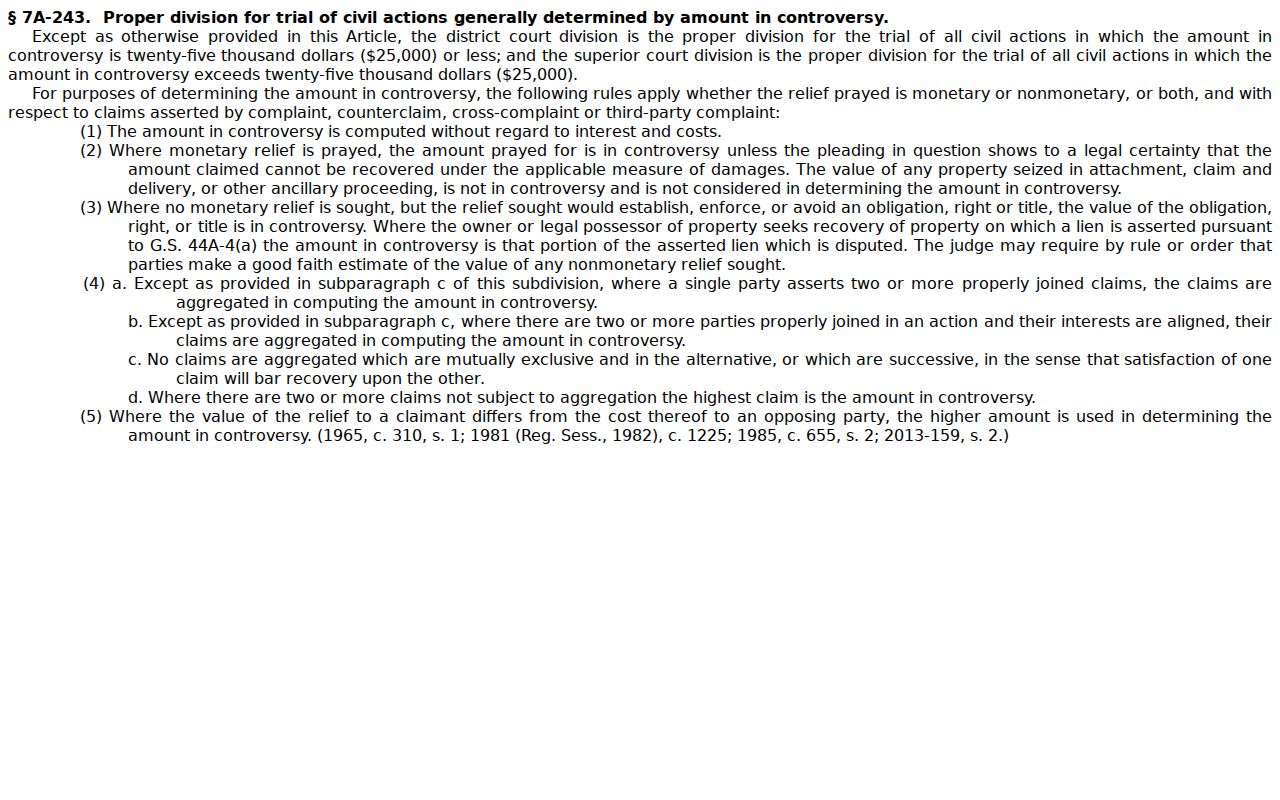
Court level changes where a Chowan case is heard. It does not change who keeps the records: the Chowan Clerk of Superior Court serves both trial levels.
Types of Civil Cases on the Docket
A Chowan civil docket holds more than the ordinary civil action. The county's trial courts handle several case types under North Carolina law. So does the clerk. Search the category that fits the matter when you know it. Then confirm the record's location and public availability. Use the Case Summary and the local clerk for that. The Judicial Branch court-types overview explains the statewide trial-court structure behind these Chowan record routes.
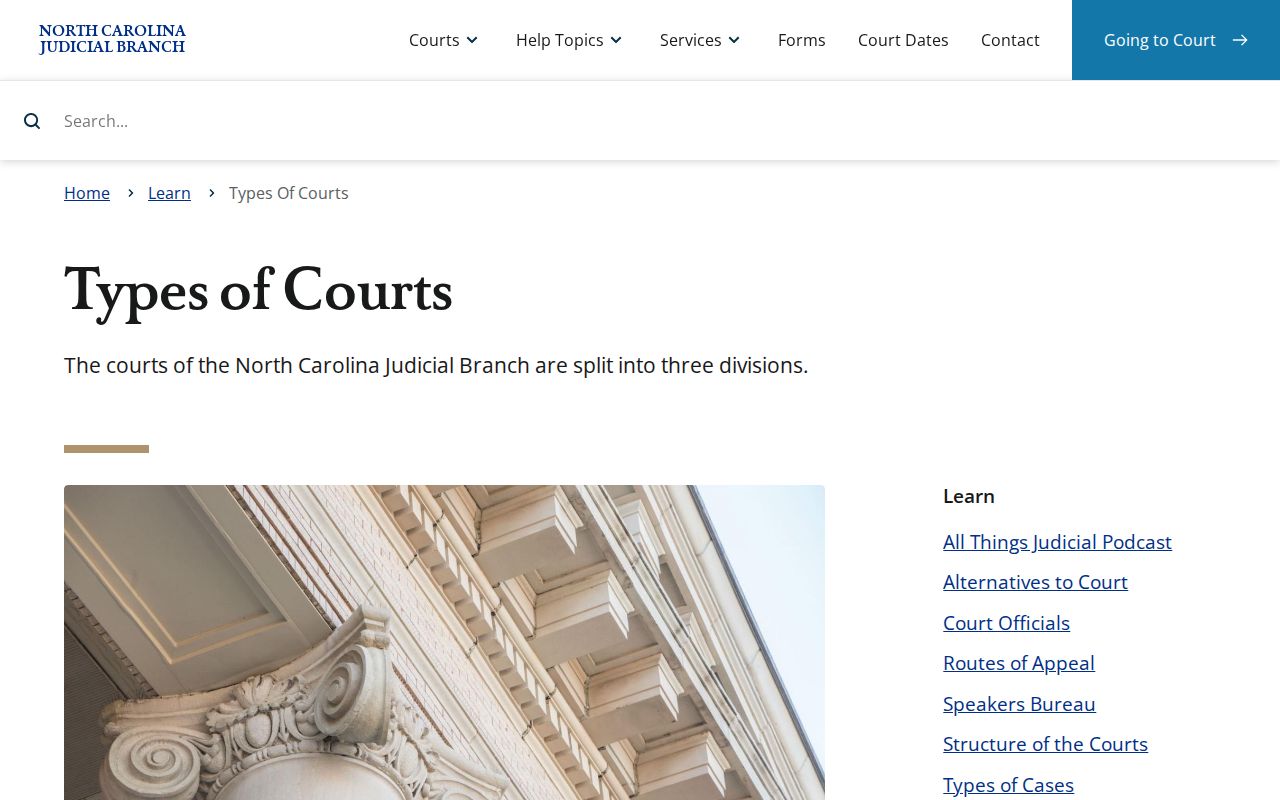
The lesson holds beyond the first Portal hit. Category and clerk custody decide what a Chowan researcher can actually reach.
- Ordinary civil actions in the appropriate trial court.
- Small claims within the magistrate’s statutory jurisdiction.
- Family matters assigned to District Court.
- Estates handled through the clerk’s estate function.
- Special proceedings that are publicly searchable only when nonconfidential.
Chowan Civil Docket Division Routes
The county directory splits civil and estate work on purpose. The Chowan civil division answers at (252) 368-5003. Estates and special proceedings sit at (252) 368-5004. The main Clerk of Superior Court line is (252) 368-5000. Search the Portal first when public search fits. Then call the division matching the case type for a record question or copy request.
Chowan Clerk of Superior Court
101 S. Broad St.
Edenton, NC 27932
Civil division: (252) 368-5003
Estates and special proceedings: (252) 368-5004
Mail: P.O. Box 588, Edenton, NC 27932
Monday through Friday, 9:00 a.m. to 5:00 p.m.
The Chowan contact directory lists those office routes officially. Ask the right division rather than assuming every civil-style matter lands on the same desk.
Settings and Hearings on Civil Dockets
Once you have a Chowan civil case number in hand, two tools will show the court date. Portal Search Hearings handles filtering. You can narrow by case number, party name, business name, attorney, judicial officer, courtroom, location, hearing type, and date range. For a broader view, Calendar by County lays out session schedules. The state's Court Dates instructions help too. They point the way to Chowan County calendars and date ranges.
Remember that a session date is not personal notice. Settings get continued, transferred, or corrected. So check the Case Summary again, read any notice you received, or call the clerk close to the hearing. The Chowan County court calendar page walks through date checks in more detail.
Chowan Civil Docket Hearing Routes
Which tool fits depends on what you know. Search Hearings works best when you already have a Chowan case number. A party's name works too. Calendar by County shows the session-level schedule instead. When a date is days away, a courtroom has closed, or the two tools disagree, call the Chowan clerk instead of trusting an old search result.
For statewide background on major civil claims and jury trials, the Superior Court overview describes how that level of court operates.
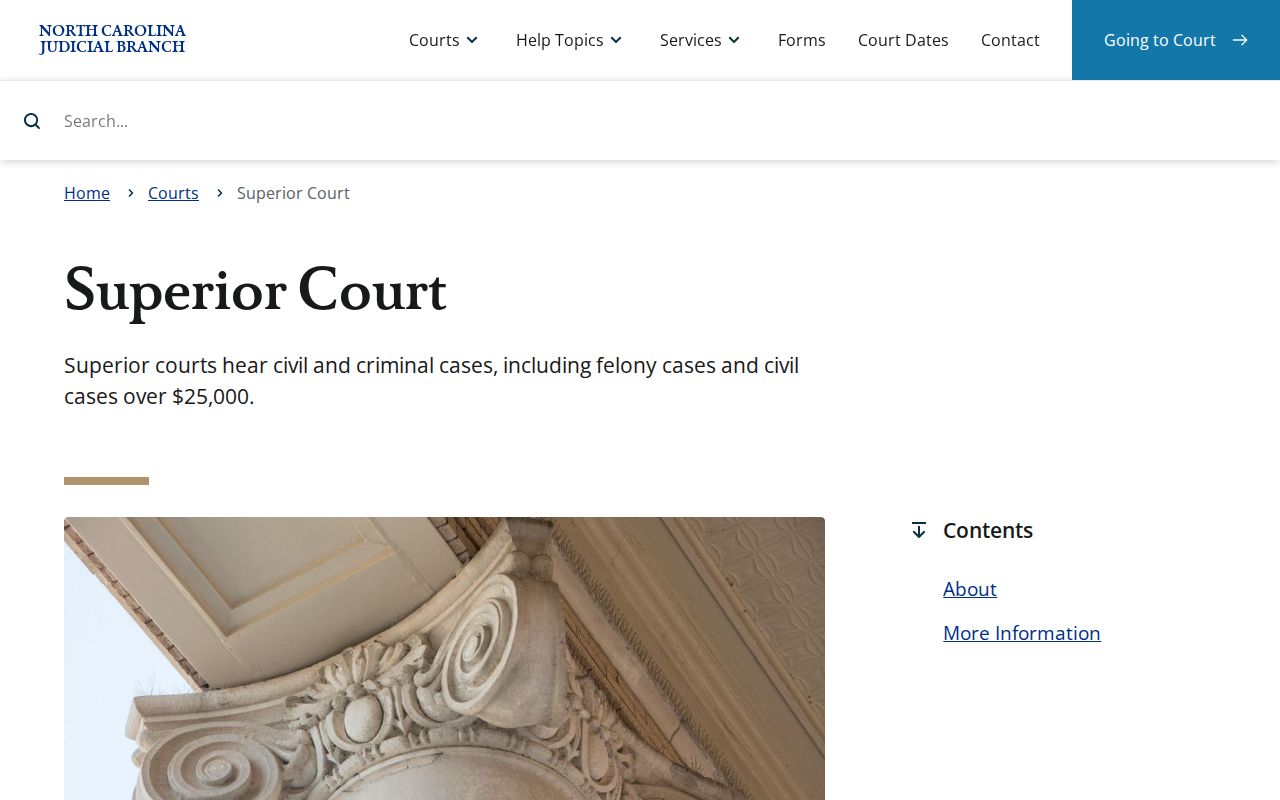
That overview also explains something that confuses first-time docket readers. A single Chowan civil docket can pass through different trial-court levels. The clerk office and the Portal access route stay the same throughout.
Chowan Civil Docket 2026 Sessions
The First Judicial District's 2026 scheduling order sets Chowan civil nonjury sessions on January 5, February 2, March 2, April 6, May 4, June 1, July 6, August 3, September 14, October 5, November 9, and December 7. Those dates give Chowan County civil scheduling its rhythm. They will not put your specific case on a calendar, though. A session date never replaces an official notice to appear.
The Chowan local rules and forms page carries the local civil hearing request form. It also holds other scheduling material. When a specific case matters, verify it against the current hearing record or the clerk.
Chowan Civil Docket Filing Route
Filing a case and searching one are two different jobs. Enterprise Justice File & Serve is the authorized eFiling route. It serves parties and counsel enrolled in that system. It is not where the public reads a Chowan Case Summary. For ordinary civil case information, start in Portal. For a certified Chowan record, go through the clerk.
Keep the channels distinct. Use Portal for public case and hearing research, File & Serve for authorized filing, and the Chowan clerk for inspection, copies, certification, or access questions.
This split matters more since Chowan's February 2024 eCourts conversion. Digital access and clerk custody now run side by side, and knowing which office handles which task saves time.
Public Access to Civil Dockets
G.S. 7A-109 opens the Chowan clerk's records, files, dockets, and indexes to inspection during regular office hours unless something prohibits it. Broader public-record statutes support inspection and copies. Neither wipes out confidentiality, sealing, or court-specific controls. A public Chowan civil Case Summary does not prove every filing is open. Special proceedings and other material can still be restricted.
Key North Carolina rules:
G.S. 7A-109 identifies the clerk as keeper of court records, files, dockets, indexes, and judgments.
G.S. 132-6 provides for public-record inspection at reasonable times and copies after lawful fees are paid.
G.S. 132-6.2 addresses allowed copy charges and requested formats.
If a Chowan civil docket comes back restricted, ask the clerk for the lawful access route. Treat the restriction as a rule to follow, not an error to work around.
Chowan Civil Docket Copy Requests
Need a filed document or a certified copy of a judgment? Ask the Chowan Clerk of Superior Court. Give the clerk the Chowan case number. Include the document title if you know it. Say whether you want an ordinary or certified copy. The Judicial Branch notes that the paper file stays at the clerk office where the case is kept. When Portal does not answer the record question, the Chowan public terminals and clerk inspection still work.
Do not route a case-file request through the NCAOC public-records form. The Judicial Branch is clear. NCAOC is not the custodian of county case documents or case information, and its form covers only NCAOC administrative records. A January 2026 miscellaneous fee chart lists $2 for the first document-copy page. It also lists 25 cents for each additional page, a $3 certificate under seal, and a $10 exemplification. Confirm the actual case-specific cost with the clerk.
Chowan Civil Docket Appeals
A Chowan trial-court Case Summary will not show the whole appellate record. G.S. 7A-27 sets out the basic division of appellate jurisdiction. Final Chowan trial-court decisions usually go to the North Carolina Court of Appeals. Statutory exceptions and Supreme Court routes can alter that path. Confirm any Chowan appellate activity in the appellate record itself.
Federal cases live elsewhere entirely. Chowan falls within the U.S. District Court for the Eastern District of North Carolina. Federal records never appear in Portal. The official PACER information explains that separate federal electronic-record system and its fees.
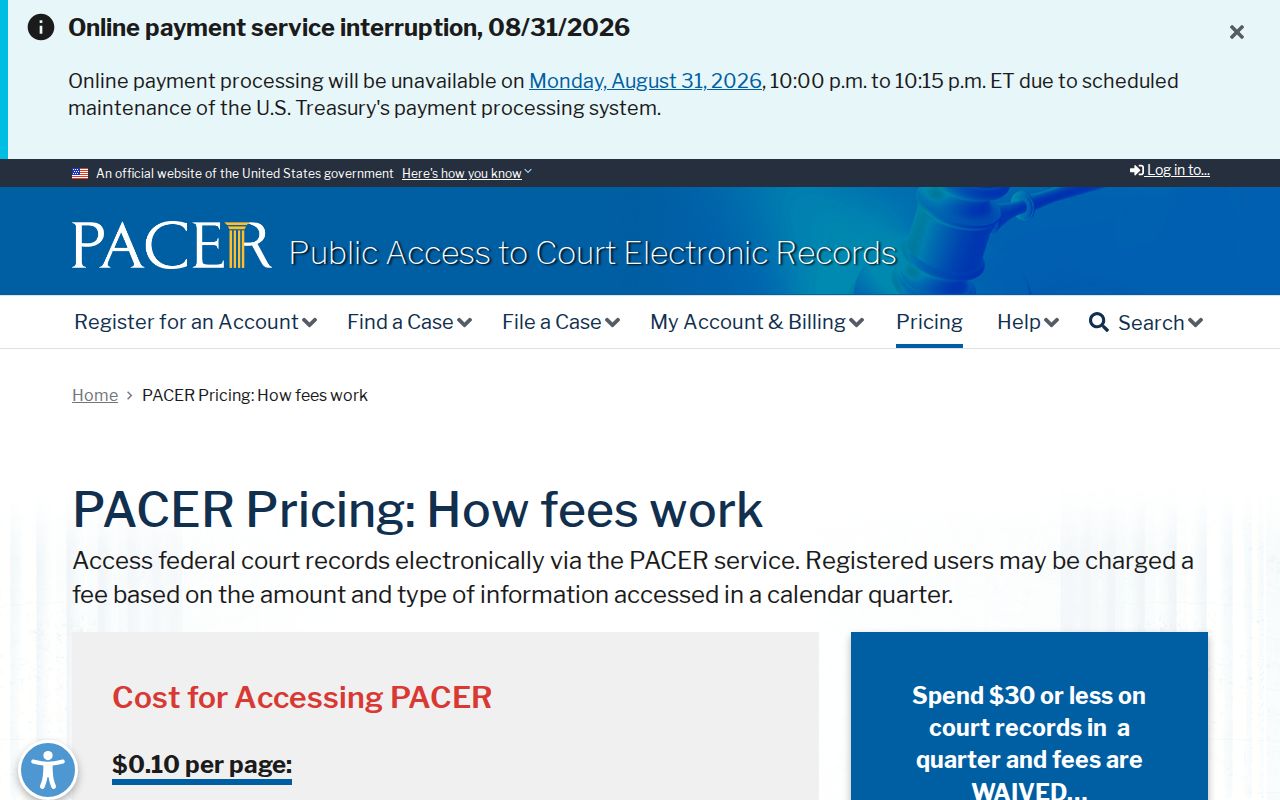
Keep the systems straight. Chowan clerk and Portal serve Chowan state trial-court civil matters. The federal system applies only when the case is truly federal.