
Searching Cases by Name
Start at the North Carolina eCourts Portal and choose Smart Search. Do not know the record number? Type in only the least amount of name information needed to pull up the Chowan matter you want. Common names tend to produce ambiguous results. So if a Chowan filing, citation, notice, or the clerk gives you an exact record number, use that instead.
- Open Portal and choose Smart Search for the Chowan case.
- Enter the exact record number when it is known. Otherwise, enter the minimum name information needed for the Chowan case search.
- Open Advanced Filtering Options and set Location to Chowan County.
- Add case type, status, or filing-date filters only when they are known. Extra filters can exclude the needed Chowan result.
- Submit the query. Official training says that up to 200 results may display.
- Open the correct Chowan Case Summary, also called the Register of Actions, and review the publicly available information.
- Use Search Hearings when the question is the current court date rather than the case record.
- Contact the clerk for an official or certified copy, or when the result is unclear or unavailable.
The documented Smart Search fields act as one combined search. Go broad enough to catch the case, then apply a reliable Chowan filter to trim the unrelated results.
| Portal field | Type | Required | Use in a Chowan search |
|---|---|---|---|
| Record Number | Text | No | Use the exact number from a Chowan court document when known. |
| Name | Text | No | Use the minimum reliable party-name information. |
| Location | Advanced filter | No | Select Chowan County for a county-specific result set. |
| Case Type | Advanced filter | No | Use only when the available category is known. |
| Case Status | Advanced filter | No | Narrows by documented status choices, but may hide a result if uncertain. |
| Filing Date From / To | Date range | No | Use a known time window rather than guessing a narrow range. |
Chowan Case Search Filters
Smart Search holds the advanced filters. There is no second database behind them. Location does the heavy lifting for any Chowan County court docket hunt. Case type, status, and filing dates help refine a search, but every filter you stack is another chance to screen out the very case you want. Enter the exact case number or a bare name. Select Chowan when you know the filing county. Then add only the Chowan details you can support, one at a time.
The official Portal training and resources page walks Chowan searchers through each function, including Smart Search, Case Summary, and Search Hearings.
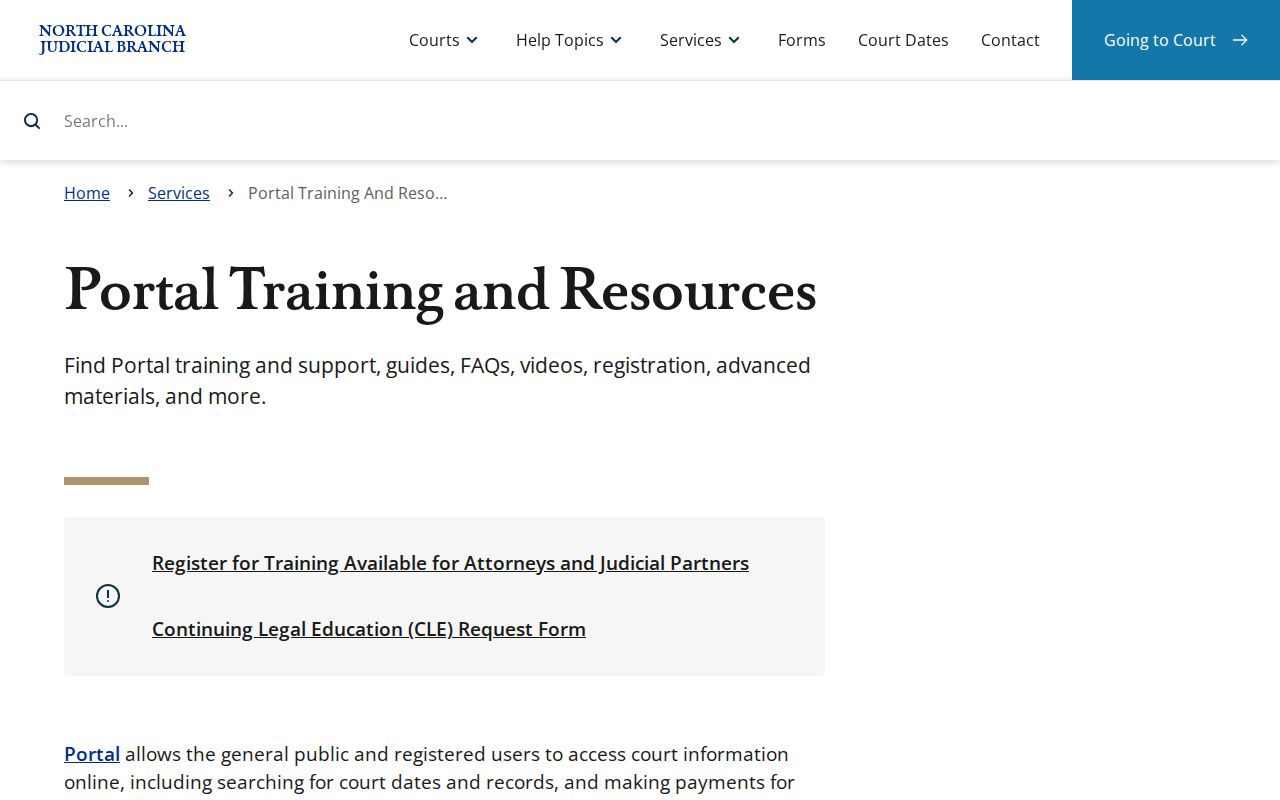
Those training materials describe the system's documented fields without promising that every filter or category will show up in each public Chowan result.
Searching by Case Number
For a Chowan search, nothing beats a case number. North Carolina eCourts uses one statewide style: a two-digit year, case-type letters, a six-digit sequence, a hyphen, and a three-digit county code. The pattern looks like YY-CASE-TYPE-######-CCC. That display only describes the format. Never try to build a number yourself. Copy the exact one from a Chowan filing, citation, notice, or the clerk.
Paste that number into Record Number and choose Chowan County if the case was filed locally. Unsure of the filing county? Start statewide, confirm the actual Chowan court location from the result, and only then apply the county filter. A wrong character, a changed format, or a bad assumption about the county can send back no match.
Chowan Case Search Precision
Numbers and names answer different questions. A record number leads straight to one case. A name can surface a known Chowan matter when the number is missing, but it may return several similar hits, so treat a name match alone as a lead rather than proof you found the right case.
Portal's documented wildcard rule governs Chowan searches too. Before an asterisk, use at least four characters for a case number, business name, or nickname; at least three for a last name; and at least one for a first name. Anything shorter or broader invites mismatches and makes you more likely to hit the 200-result limit.
What a Case Search Returns
A public Chowan case search can open a Case Summary or a Register of Actions. What appears varies with the case and your access status. Public categories may include case, assignment, party, event, disposition, hearing, and financial information where applicable. A blank field proves nothing. The event or record may still exist. It just is not on display.
| Case Information | The public case identifier and available case details. |
|---|---|
| Assignment | Assignment information when the public Case Summary displays it. |
| Party Information | Publicly available party details, which can vary by record and restriction. |
| Case Events | Recorded public events in the progress of the matter. |
| Disposition | Available outcome or status information. A disposed status needs its related information for meaning. |
| Hearings | Published hearing information; use Search Hearings for a current date check. |
| Financial Information | Information where applicable and publicly available, not a guarantee for every case. |
Treat a Chowan Portal display as a navigation aid. It is not a certified judgment, a full paper file, or a stand-in for a clerk-issued record.
Chowan Case Search Terms
Portal labels describe record areas and court status in Chowan. Read them plainly, and a case search stays a search rather than an unsupported conclusion about a person or case.
- Case Summary
- The Portal's docket-like view, also called the Register of Actions.
- Pending
- A status label, not a prediction about how the court will act.
- Disposed
- A status that requires the related disposition information to understand what the record reflects.
- Hearing
- A scheduled court event. A calendar date is a setting, not proof that the event occurred.
- Certified copy
- An official clerk-issued copy, not a printout of a public Portal screen.
Let the Chowan Case Summary tell you what is public. Then turn to the clerk when you need an official record, a restriction answer, or record-specific interpretation.
Statewide vs County Case Search
There is no separate Chowan public Portal. The North Carolina eCourts Portal is the statewide layer, and a Chowan search is simply that Portal with Location set to Chowan County. Unsure where the case was filed? Search statewide first. Apply the Chowan filter once the location is confirmed, or right away when you know the matter is local.
| Statewide Portal search | Chowan-filtered Portal search |
|---|---|
| Uses the Portal without a Chowan location limit. | Uses the Portal with Location set to Chowan County. |
| Best when the filing county is not known. | Best when the case is known to be filed in Chowan. |
| Can return results from other participating county locations. | Can hide a case filed outside Chowan if the county assumption is wrong. |
| Open the correct Case Summary after confirming the location. | Use Search Hearings and the clerk for date or record follow-up. |
Chowan Case Search No Matches
A no-match result is not a finding that a case or event fails to exist. Official guidance lists several causes. The format may be wrong, the case may not be in the system, or access may be restricted. Fix whatever you can check without guessing. Chowan case search still comes up empty? Ask the Chowan clerk for the right record route.
The North Carolina database availability and public-inspection rule sets out this public-access rule in full.
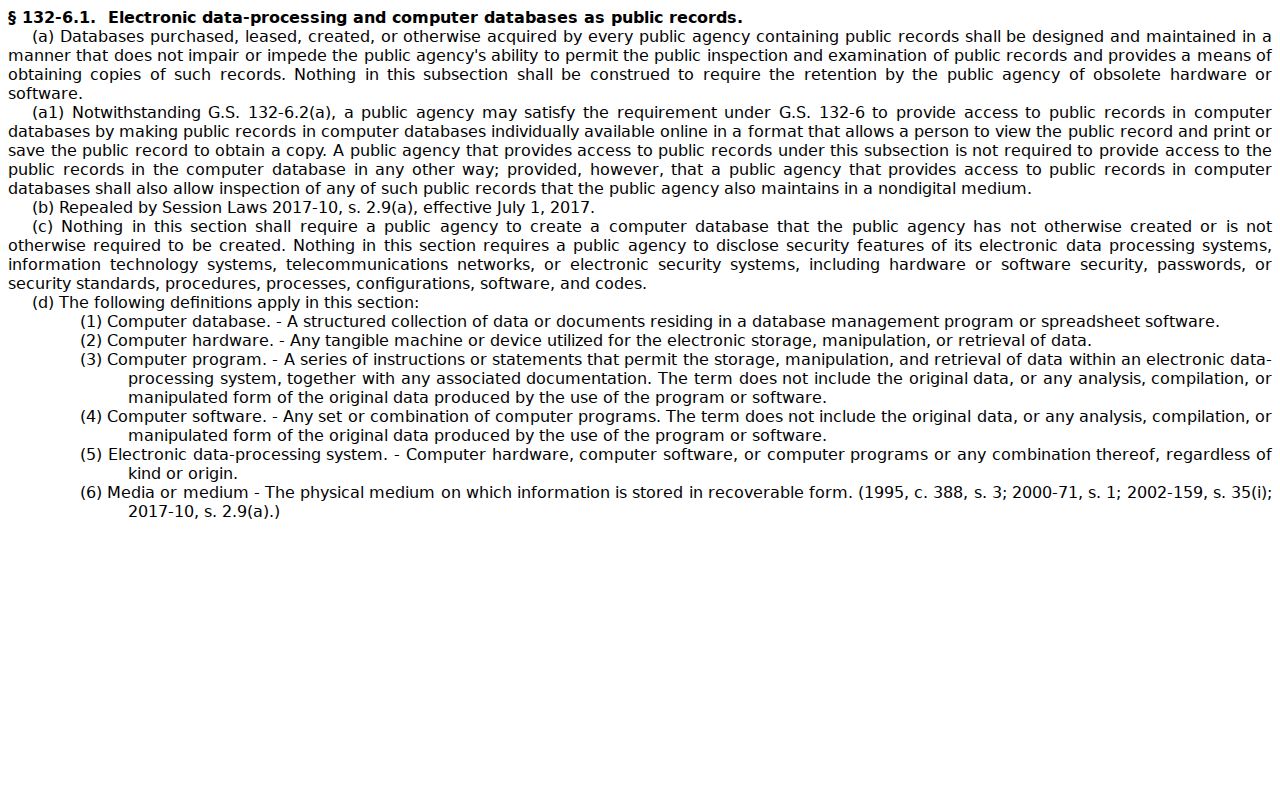
Public availability rules still do not expose every case category or field through a Chowan Portal search.
- Check the spelling and the supplied record-number format.
- Remove an uncertain status, case-type, or date filter.
- Confirm that Chowan is the actual filing county before using the county filter.
- Ask the clerk whether the record is held locally, restricted, or routed through another court process.
Access and Restricted Cases
Searching the Chowan Portal needs no login. That convenience comes with limits. Some records sit behind controls. Think juvenile files, confidential special proceedings, protective orders, sealed and expunged material, and similar restricted cases. So a missing result may signal a restriction rather than a broken search. Registration does not change that. Counsel can request expanded reach through the AOC-A-264 Portal Elevated Access Request/Agreement. It spells out the rules for that elevated tier. A general visitor cannot sign up into restricted court records. For a specific Chowan access question, the clerk of court handles it directly.
Chowan Case Search Access Levels
A Chowan case search can run at three levels. Anonymous visitors see whatever Chowan Portal makes public. Registering an account adds a My Cases list. You can save matters you track, but it unlocks nothing beyond ordinary public access. Elevated access is the third tier. It is reserved for people statutorily entitled to it through a controlled process. For a known court matter, the public Chowan docket search usually answers the question. Creating an account in hopes of opening a protected file will disappoint. When a case sits outside public view, ask the Chowan clerk which office or record route applies, since only the court can grant that wider access.
Chowan Case Search Channels
Portal is where a Chowan docket search starts online. It is not the whole picture. The clerk of court keeps the paper case file, and public terminals in the Chowan clerk's office give free on-site access. Need an official or certified copy? That request goes through the local clerk. The clerk also resolves paper-file questions and any ambiguity the online result leaves behind. The NCAOC public-records route serves a different purpose entirely: it covers administrative records held by NCAOC, not Chowan county court case files.
Chowan Clerk of Superior Court
North Carolina Superior Court, Chowan County
101 S. Broad St.
Edenton, NC 27932
(252) 368-5000
Public business hours: 9:00 a.m. to 5:00 p.m., Monday through Friday. Dwayne Goodwin, Clerk of Superior Court, is the named officeholder in the referenced Judicial Branch directory; the office title is included because officeholders can change.
Authorized Chowan filers have their own channel. The File & Serve landing page is the official eFiling entry point for submitting court documents. It is not a browsing tool for the general public.
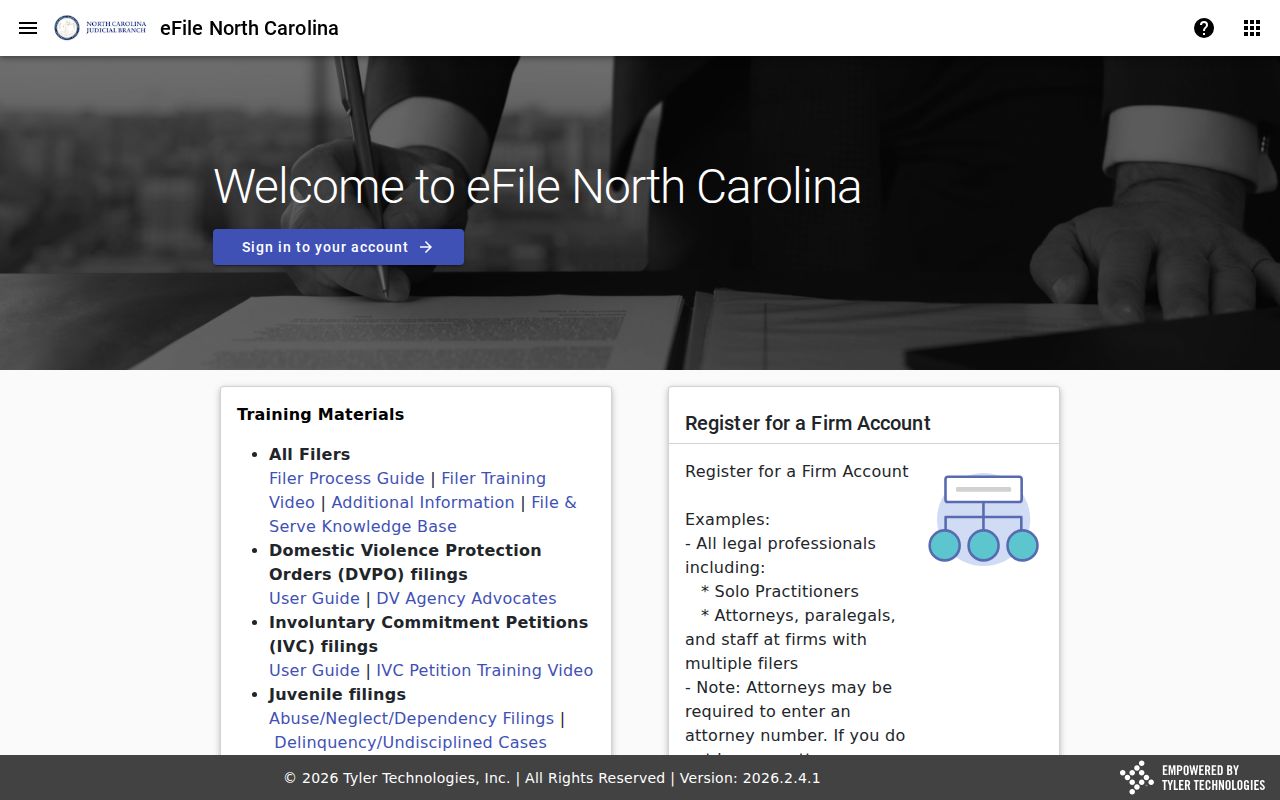
Keep the roles separate: Portal for public Chowan case research, File & Serve for filing.
Chowan Case Search Results Limit
Official Portal training for Chowan caps Smart Search at 200 displayed results. That ceiling matters. A broad query can bury the case you want. Begin with a record number, a full reliable name, or a verified Chowan location instead. A big result set is not proof that everything was reviewed. It is a cue to narrow the docket search. Add one known filter at a time. Then rerun the Chowan case search and check what changes. Jot down the search date and the county filter actually used. Those notes help if the result must later be verified with the Chowan clerk. One caution: Portal fields and public result categories shift with access rules and system updates. An individual result may not match every documented field.
Chowan Case Search eCourts History
Chowan joined eCourts in February 2024. Portal has been the statewide front door for current Chowan case research ever since. Not everything converts, though. Older paper files may not be fully online. If a matter predates the change or simply will not appear, give the clerk the best details you have. List a Chowan case number, an approximate filing year, the case type, the party name, and the exact record you need. The Judicial Branch court-records guidance sorts out the separate routes. Those routes run from clerk access and terminals to copies. For a transcript, the official court reporter is the route, not the clerk. The clerk handles the case file itself.